
FirstMobile: How to Install and Register for FirstBank’s Mobile App
Picture this: it is payday, and you need to transfer money to a loved one or pay a utility bill. In the past, that meant rushing to the bank, standing in long queues, and hoping you’d finish before closing time. For many Nigerians, this was the reality: time-consuming, stressful, and inconvenient.
But times have changed. In today’s digital era, mobile banking has become more than a convenience, it is a necessity. With mobile banking apps, you can manage your finances securely, instantly, and from anywhere.

That’s where FirstMobile, FirstBank’s official mobile app, comes in. Designed with customers in mind, it transforms your smartphone into a personal bank branch. Whether you are checking balances, transferring funds or paying bills, FirstMobile makes banking seamless and accessible.
With FirstMobile, the story shifts from waiting in line to managing your money on the go. It’s banking without boundaries, right in your pocket.
Why Mobile Banking Matters

• Convenience: Access your account anytime, anywhere.
• Security: Transactions are protected with PINs, OTPs, and biometric authentication.
• Efficiency: Skip the branch visits. Check balances, transfer funds, and pay bills instantly.
• Real-time updates: Get instant notifications for account activities.

• Comprehensive services: Manage beneficiaries, monitor transactions, and stay in control of your finances.
How to Download and Activate FirstMobile
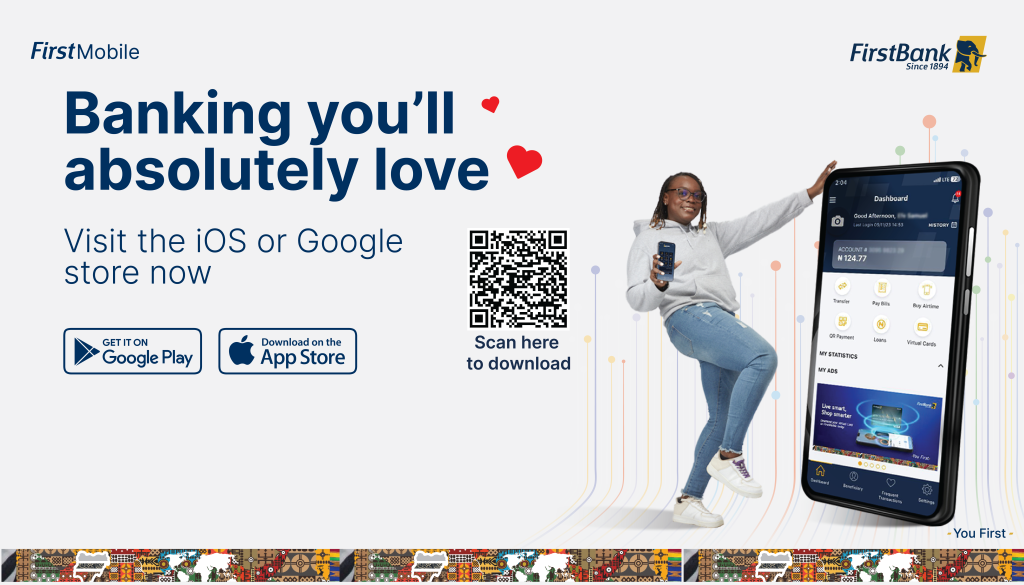
• Search for FirstMobile on your Google Play Store or Apple App Store
• Install the app and click Get Started.
• Select Register Profile.
• Choose your registration option: Debit Card or BVN.
• Input your FirstBank ATM card number or BVN as required.
• You will receive a One-Time Password (OTP) via SMS.
• Enter the OTP in the app to verify your identity.
• Set a five-digit mPIN (your login PIN).
• Choose and answer two secret questions.
• Create a four-digit transaction PIN for authorizing transactions.
• Follow the prompts to finalize setup.
Once complete, you are ready to enjoy FirstBank’s mobile services.
Mobile banking is no longer optional; it’s the smarter way to bank. With FirstMobile, FirstBank has made it easy for customers to stay connected to their finances, securely and conveniently. Whether you are checking balances, paying bills, or transferring money, the app ensures you are always in control.
Do You Need More Trending Updates? Then kindly bookmark our blog Realgosipcenter.com.ng, we will update you with more latest musics in mp3 audio format and video in mp4 formats as soon as they drop for quick downloads.
Discover more from DailyNewsCover – Nigeria Breaking News, Politics, Business, Entertainment & Sports
Subscribe to get the latest posts sent to your email.